 ImageToVideoFree
Animate a Landscape Photo with AI
Turn waterfalls, foliage and clouds into a short moving landscape. Start from a real input image and adapt the example motion prompt.

Actual generated result · Seedance 1.0 Pro · 5s · 720p
The prompt used for this example
Water flows through the stone arch and cascades over rocks. Ferns sway gently and sunlight flickers through leaves. Slow forward camera movement. Preserve the architecture, continuous natural motion, no cuts.
The prompt describes the motion. New generations can vary; the workspace shows the current credit quote for your selected settings.
Try this prompt with your photo →Choose what moves
A landscape contains both solid structures and moving elements. In this example the bridge should stay fixed while the stream, leaves and light change. Separating them in the prompt gives you a more precise starting point than asking for a cinematic scene.
Prepare the frame
Use a clear image with visible water or foliage and room around the focal point. Do not crop the bridge tightly against the edge. If the photograph is very dark, brighten the input before generating; a motion prompt is not a reliable repair tool.
Keep motion restrained
Begin with five seconds and one slow camera move, or a fixed camera. Check the bridge edges and water direction before increasing resolution. A higher resolution changes the output size; it does not guarantee that structural distortion disappears.
Image-to-video ideas you can try
Explore the input image, full prompt and settings, then try your own photo.
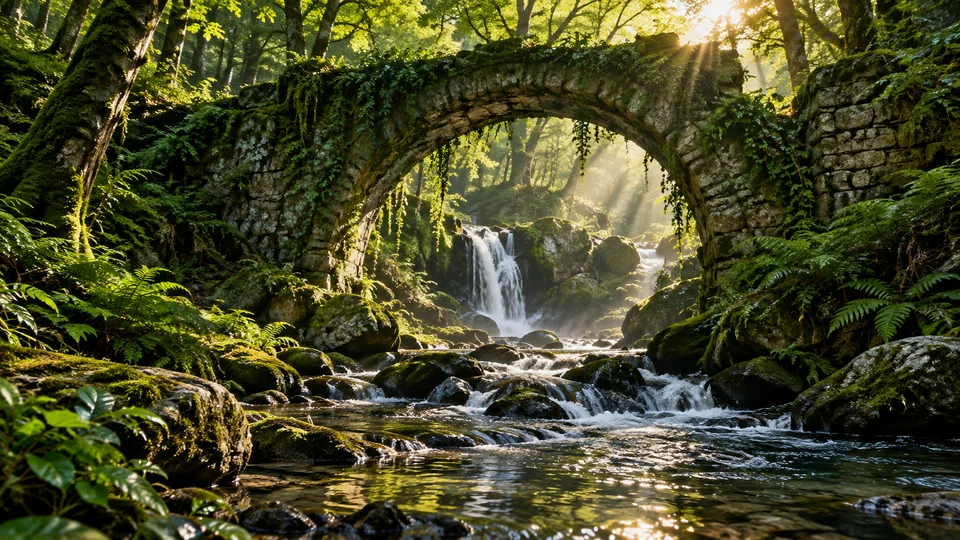
Landscape Photo Animation
Turn waterfalls, foliage and clouds into a short moving landscape. Start from a real input image and adapt the example motion prompt.

Product Photo Videos
Create short product clips with a stable packshot, controlled reflections and a reusable motion prompt.
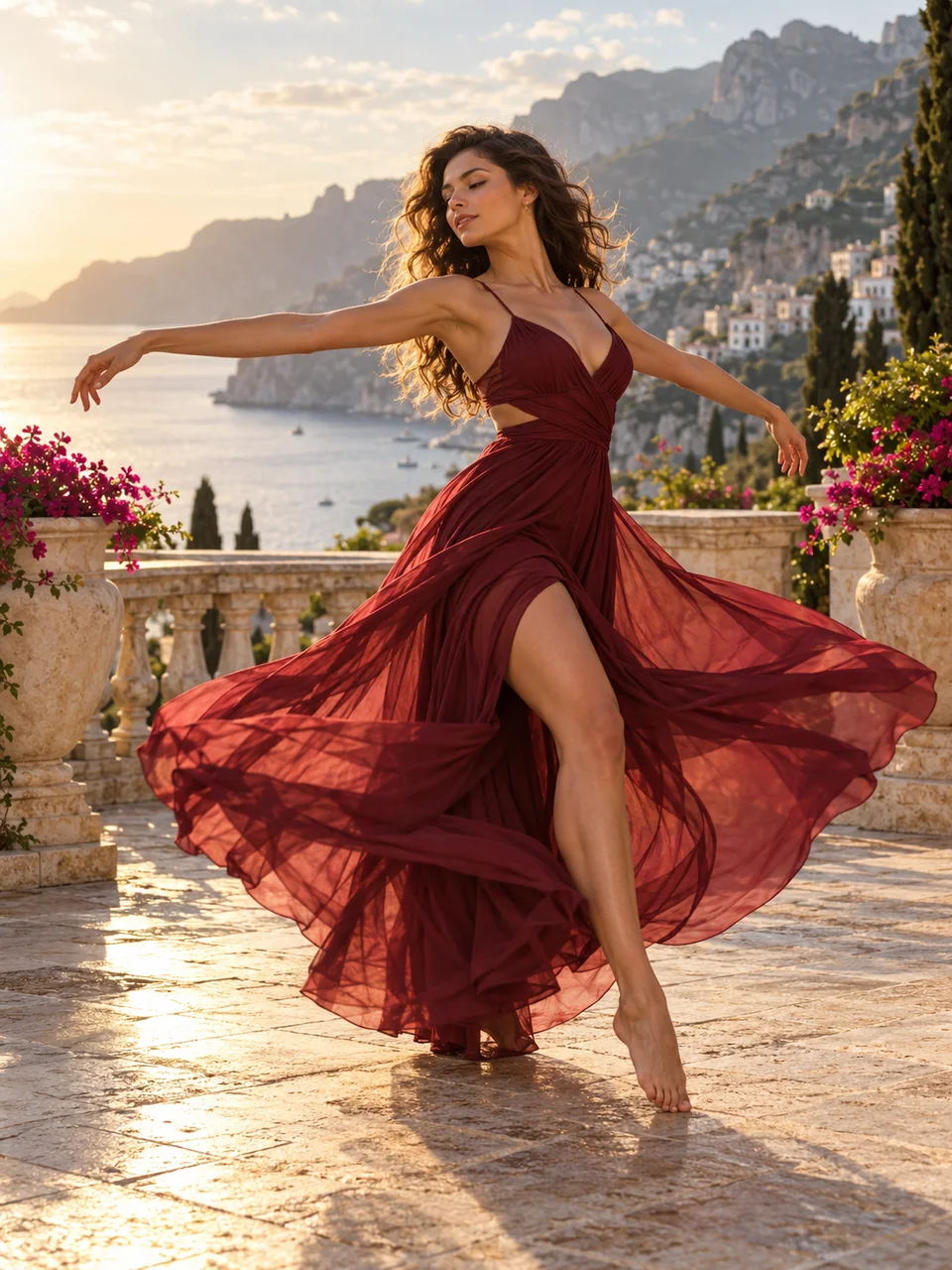
Portrait Photo Animation
Use a clear portrait or full-body image and a short motion sequence to create a personal AI video.
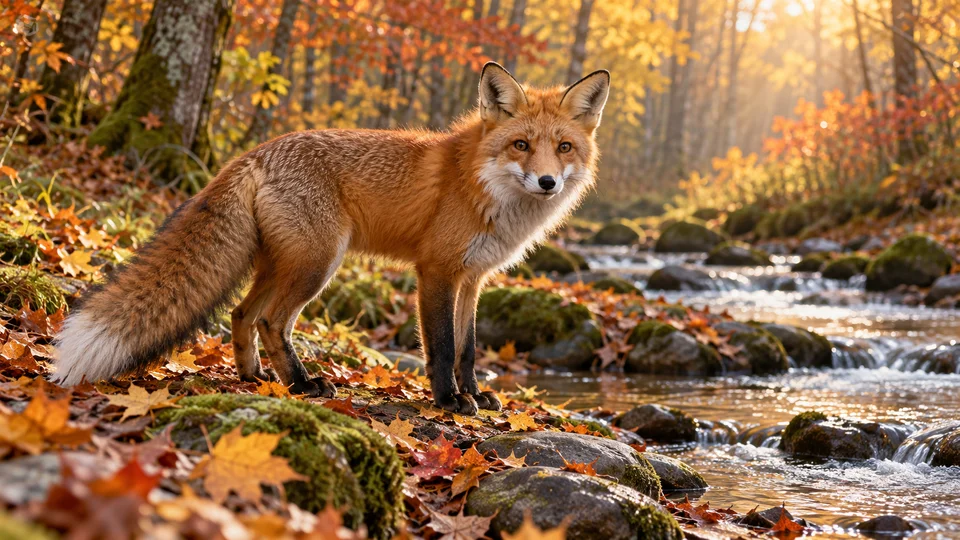
Animal Photo Animation
Give an animal photo a small step, head turn or tail movement using a focused image-to-video prompt.
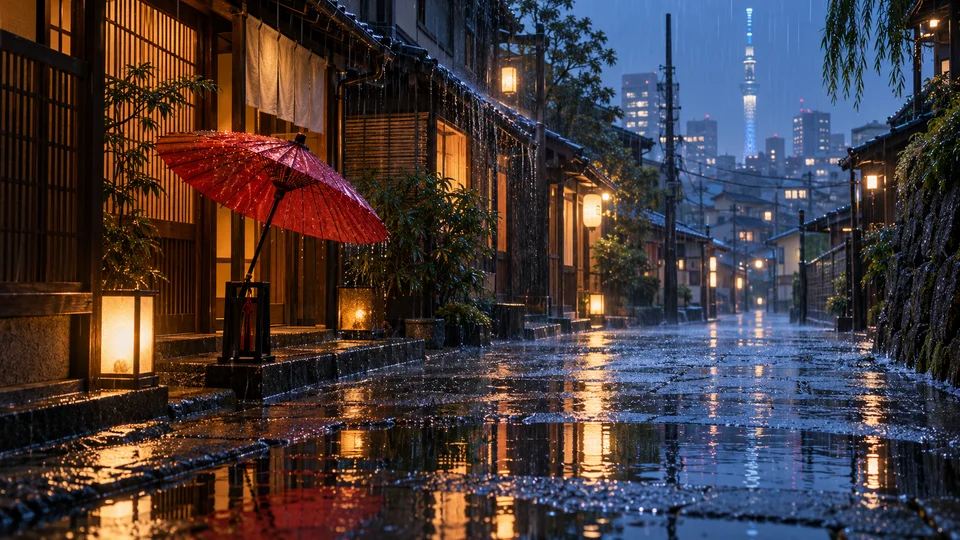
Rain Effects for Photos
Animate rain, puddle ripples and reflected light with a stable camera and a specific weather prompt.
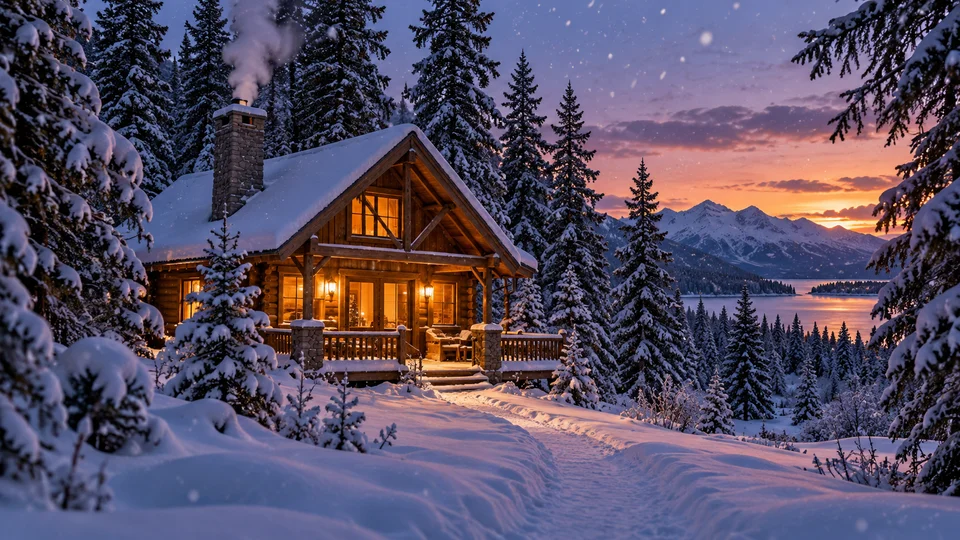
Snow Animation for Photos
Create a winter clip with gentle snowfall, soft wind and a steady view of a cabin or landscape.