Creation settings
Click or drop an imageJPG, PNG, WebP · Max 20 MB
Prompt ideas
Duration
Resolution
Estimated cost20 credits / video
Checking availability…Plan details

Free Image to Video AI Generator

Try image to video AI free — no sign-up, no added watermark. Upload a photo and describe the motion to create a 5-second, 480p video within the daily free allowance.

Try image to video AI free — no sign-up or added watermark

Guests can try one video per UTC day. Verify an account for a one-time total of 15 trial videos, including linked guest uses; this allowance does not reset. Free trials use Seedance 1.0 Pro · 480p · 5s · no added site watermark. Active subscriptions use plan credits, without extra free trials. Shared availability and abuse limits apply.

Sign up for 15 one-time trials →

Image to Video AI Examples — See Real Results

Hover to preview on desktop, or scroll into view on mobile. Click an example to explore and reuse its prompt.

Image to Video AI — Give your images a story

Start with a photo or illustration and describe the movement you want to see. A person turning, an animal taking a step, falling rain or drifting clouds can become the focus of a short clip. Explore models, duration and resolution, with a clear credit quote for each setting. This cloudscape began as one original image: the prompt describes a whale moving its tail and clouds drifting around its body. Try the sample prompt with an image of your own.

Seedance 1.0 Pro · 720p · 5s

Use this prompt ↗

Key Features of Your Image to Video AI Generator

Describe subject movement, environmental changes and camera motion to give each scene a clear direction.

01 / Nature

Bring natural movement to your landscape

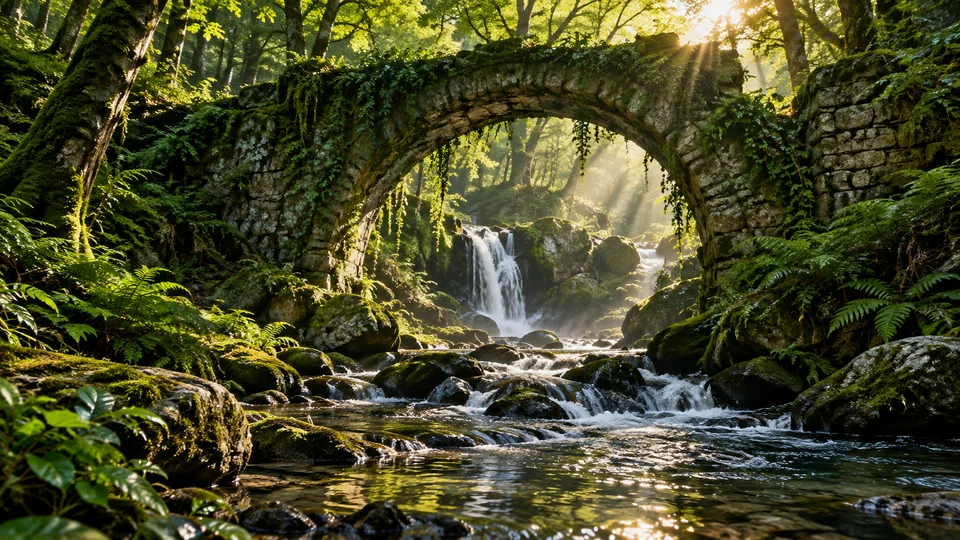
Keep the stone arch consistent while water flows over rocks, ferns sway and sunlight shifts through the canopy. Describe these specific changes and add a gentle camera move to create a layered shot from a travel photo or nature illustration. Start with two or three main movements to keep the scene focused.

Seedance 1.0 Pro · 720p · 5s

Use this prompt ↗

02 / Weather

Give the weather a role in your scene

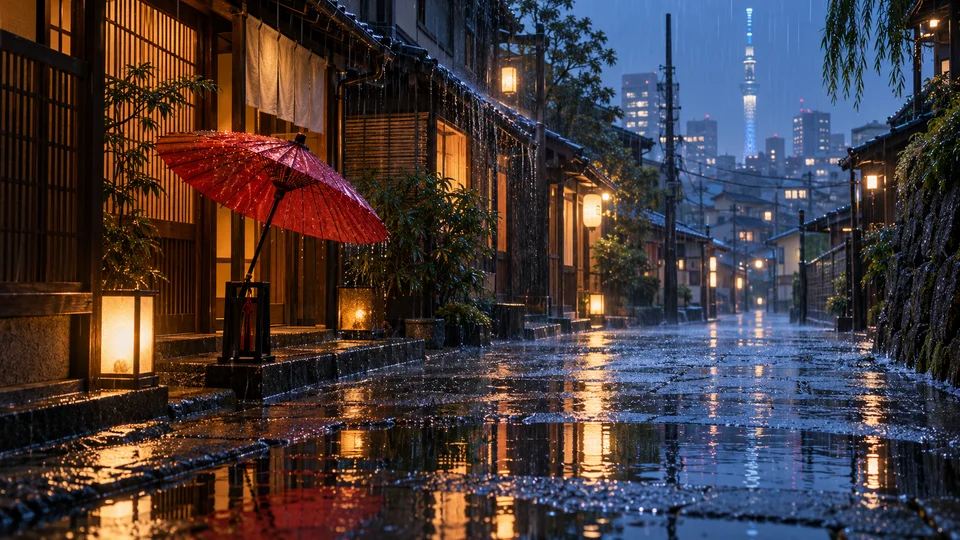
Falling rain, rippling puddles and warm window reflections give a still street its own rhythm. Describe the weather, surroundings and camera separately.

Seedance 1.0 Pro · 720p · 5s

Use this prompt ↗
03 / Animals & animation

Direct the subject with a specific action

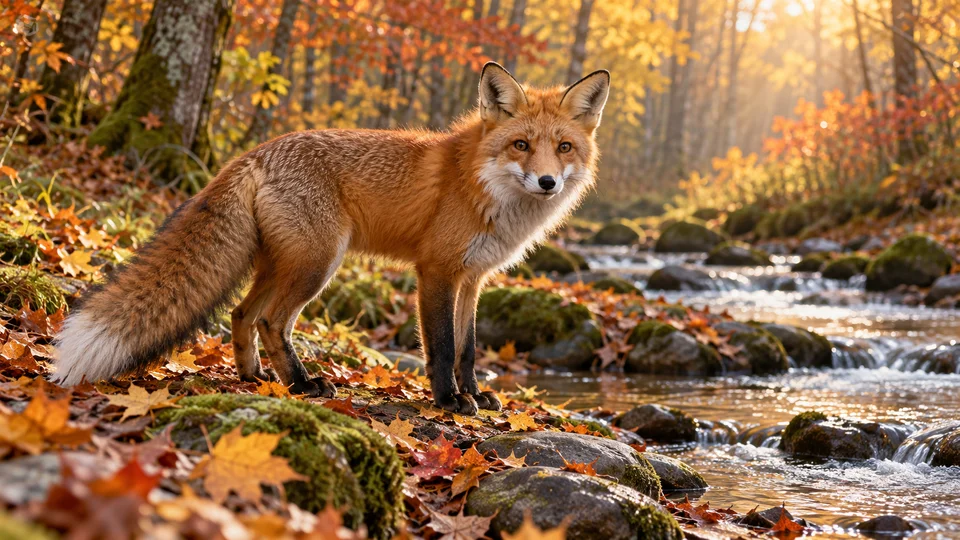
Ask the fox to take two steps, turn toward the camera and gently move its tail. A specific sequence is easier to refine than a general request to animate an image. You can also ask for a steady camera and the full subject in frame, keeping attention on expression and movement.

Seedance 1.0 Pro · 720p · 5s

Use this prompt ↗
No added watermarkStart with your own imagePrivate by defaultSee the cost before you generate

Image-to-video ideas you can try

Explore the input image, full prompt and settings, then try your own photo.

YOUR CREATIVE TOOLKIT

Image-to-video models

View all models ↗
1.0 Pro

Seedance

A starting point for everyday short clips. Begin at 480p, or choose 720p and 1080p when you need more detail.

From 20 credits / video480p · 5sFree at the base setting, within your trial allowance
Choose model
2.5 Turbo Pro

Kling

Turn a first frame into a short shot, with a choice of clip length.

From 60 credits / video5sPremium · credits vary by setting
Choose model
3.1 Fast

Veo

Explore first-frame video with duration and resolution controls.

From 90 credits / video720p · 4sPremium · credits vary by setting
Choose model
2.0 Fast

Seedance

Describe motion from a first frame to create 5- or 10-second clips at 720p.

From 180 credits / video720p · 5sPremium · credits vary by setting
Choose model
2.3 Standard

Hailuo

Animate an image into a six- or ten-second video.

From 45 credits / video768P · 6sPremium · credits vary by setting
Choose model
FROM STILL TO STORY

How to turn an image into a video

01

Choose your first frame

Use a clear photo with a strong subject. Leave room for movement.

02

Describe one movement

Describe one clear action, such as a wave, a turn, or a few steps.

03

Review and download

Check the clip, download it, or refine your prompt for another take.

Image-to-video plans and pricing

Try one video daily without signing up, or verify an account for 15 one-time trial videos. Compare monthly credits and model costs.

Subscriptions are not open yet. No payment will be taken.

View plans

Image-to-video guides

Frequently asked questions

Can I try image to video AI free without signing up?

Yes. Guests can try one video per UTC day. Verified accounts without a subscription history have a one-time allowance of 15 videos, including linked guest uses; it does not reset. Active subscriptions use plan credits without an extra free allowance. After a subscription ends, verified accounts can try one video per UTC day without a new welcome grant. Free videos use Seedance 1.0 Pro, 480p, 5 seconds, subject to the shared trial budget and abuse controls.

Are the free videos watermark-free?

Yes, we do not add a site watermark to free or credit-funded videos. You do not need a subscription to avoid our watermark. We deliver the provider’s result without removing any marks already present in the source or provider output.

Do all models cost the same?

No. Your model, duration and resolution determine the credit quote shown before submission. Free trials only cover the designated base specification.

What if generation fails?

Confirmed failed jobs restore reserved credits or free uses. A delayed or uncertain submission is kept pending for review so it is not submitted and charged twice. Keep the task reference if support is needed.

Will my images appear in the gallery?

No. Uploads and results are private by default. Public examples require separate permission.

How do subscriptions work?

Subscriptions will be linked to your account and billed through Waffo. Review the price, allowance and renewal terms before paying. Checkout is not open yet.